Printing a day's bookings usually means exporting a CSV and tidying it first. This app adds one page to your Wix dashboard that lays out each booking's time, service, staff member and head count as a day or week table, ready to save as an A4 PDF or a CSV. Customer names are not included.
A free plan is available (one day's sheet); prices are on the Wix App Market listing.
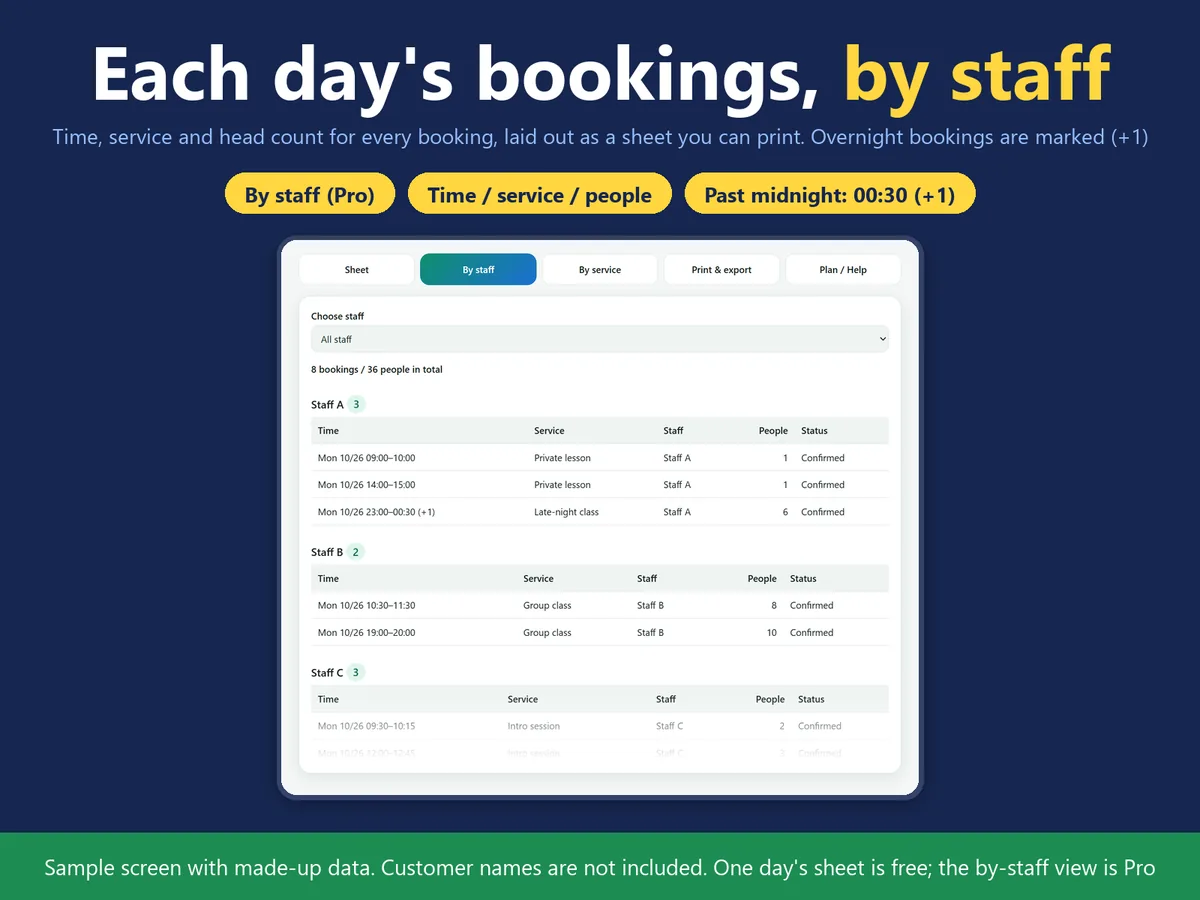
One day's bookings by staff member (sample screen, made-up data).
In four lines
The problemYou want to hand each staff member a printed schedule for the day, but the booking list has to be exported and cleaned up first.
Where it livesA page in your Wix dashboard. It needs Wix Bookings.
What it doesPick a date and the app lays out time, service, staff and head count as a table. Print it as an A4 PDF or export the same table as a CSV. There are day and week views; in the week view, busier days are shaded darker.
The resultA clean sheet for the day, or a CSV that opens in Excel, without tidying an export by hand. Nothing in Wix Bookings is changed.
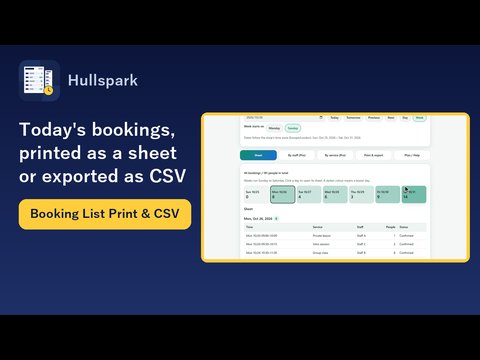
Demo video, 47 seconds. Nothing loads from YouTube until you press play.
Who it is for
Salons, studios and clinics that hand each staff member a printed schedule for the day.
Teams that want a week of bookings as a table, or a CSV for their own records.
Not for you if you need customer names or contact details on the sheet: this version does not read them.
How it works in 3 steps
Open the page. Open the app from the dashboard (Wix Bookings is required) and pick a date.
Choose the view. Day or week view. The table shows time, service, staff member and head count for each booking.
Print or export. Save the sheet as an A4 PDF, or export the same content as a CSV.
What it does
Day and week sheets
Pick a date and the table shows time, service, staff and head count. The week view shades busier days in a darker colour. The free plan covers one day.
Pro: sheets by staff member or service, more layouts
Pro adds week and period sheets, sheets by staff member or by service, an A4 landscape week sheet, and receipt widths of 58 mm and 80 mm. Printing itself is done with the printer's own settings.
CSV that opens in Japanese-language Excel
The free plan exports one day as a UTF-8 CSV. Pro adds Shift-JIS output for Japanese-language Excel and a choice of CSV columns. Characters Shift-JIS cannot hold, such as emoji, are written as "?" and the number replaced is shown on screen.
What it can and cannot do
It reads the date and time, service name, staff name and head count of each booking. It does not read customer names, phone numbers or email addresses.
Nothing is stored on a server: the sheets, PDFs and CSV files are made in your browser.
Existing bookings are only read, never changed.
Service and staff names appear as they are written in the Wix Calendar events.
It needs Wix Bookings. Without it no sheet is shown and the page links to adding Bookings.
Free: one day as an A4 portrait PDF and a UTF-8 CSV. Week and period sheets, staff and service views, landscape, receipt widths, Shift-JIS and column choice are Pro.
Screens in Japanese and English.
Questions
Are customer names read?
No. The app reads the date and time, service name, staff name and head count.
Do existing bookings change?
No. The app only reads them.
Can it be used with a receipt printer?
On Pro, PDFs are made at 58 mm and 80 mm widths. Printing itself is done with the printer's own settings.
What if Wix Bookings is not installed?
No sheet is shown. The page links to adding Wix Bookings.
Where do service and staff names come from?
They appear as they are written in the Wix Calendar events.
 Hullspark