Changing a price, a name or a visibility setting on many Wix Bookings services means opening them one at a time. This app lists all your services, lets you pick an operation for the selected ones, and shows a before-and-after table first. Only the differences are written, and only when you apply.
A free plan is available: the list, a CSV export and the table of changes are free. Writing changes to Wix is Pro. Plans are listed on the Wix App Market listing.
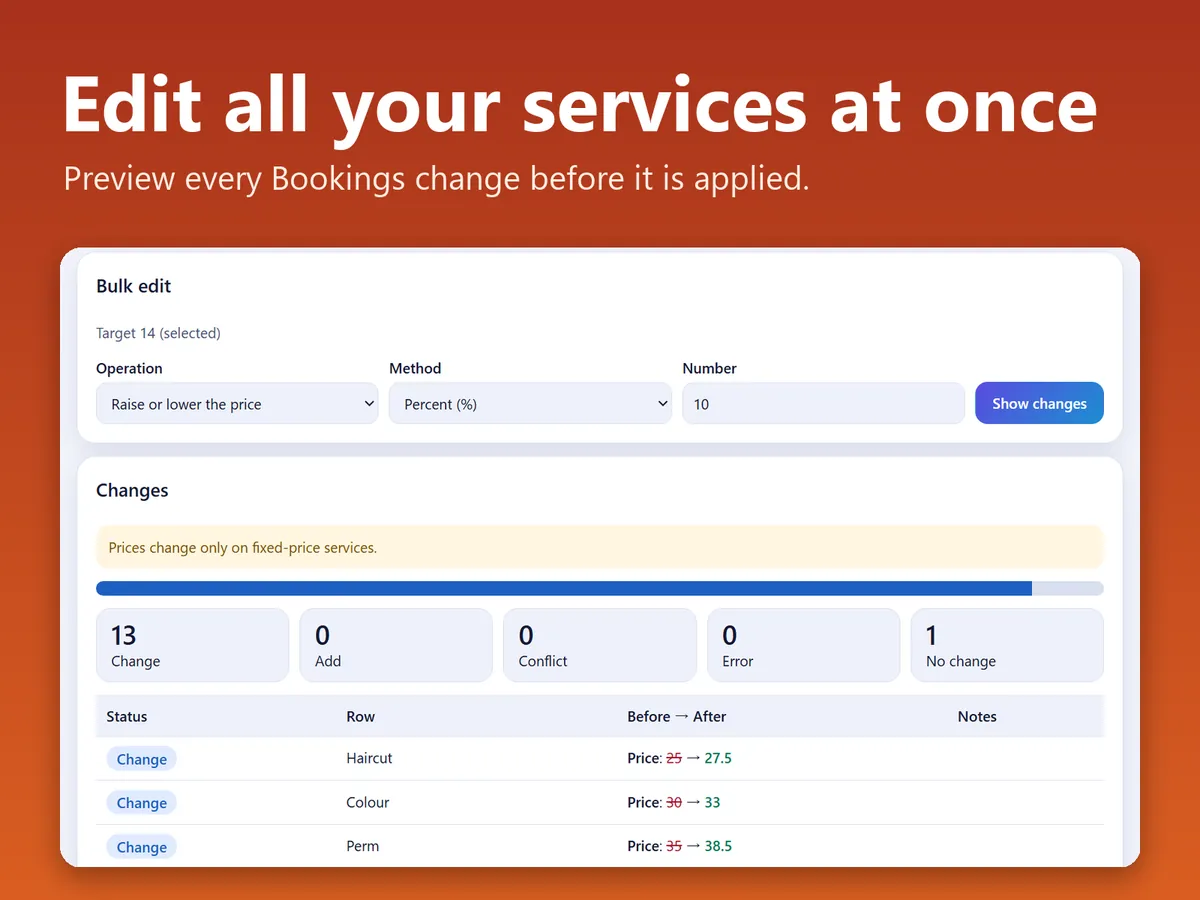
The Bulk edit tab: an operation, then the table of changes (sample screen).
In four lines
The problemWix Bookings has no bulk editor for services. Raising prices, adding a word to many names or hiding a group of services means opening each service in turn.
Where it livesA page in your Wix dashboard. It needs Wix Bookings. Nothing is placed on your public site.
What it doesIt reads your services and lists them, with search and filters by type, category, hidden and online booking off. For the selected services you choose one operation: add text to names, replace text, append text, raise or lower prices, set a duration, switch online booking or hiding on or off, or change the category. A table then shows each service before and after.
The resultChanges reach Wix only when you apply them. Before that, the original of every service is saved as a JSON file, and a restore turns back only the fields you changed.
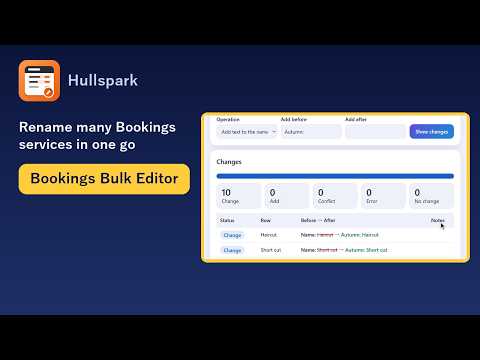
Demo video, 45 seconds. Nothing loads from YouTube until you press play.
Who it is for
Owners of Wix Bookings with many services, such as a salon, a studio or a clinic.
People who want to edit services in a spreadsheet: export a CSV, change it, import it and read the table of changes first.
Not for you if you only have a few services: the Bookings dashboard is quicker.
How it works in 3 steps
Open the page and pick services. Open the app from the dashboard. The List tab shows your services. Tick the ones you want, or use the filters and work on everything shown.
Choose an operation and read the table. On the Bulk edit tab choose the operation and press the button that makes the table. Nothing is written yet. Each row is marked Add, Change, Same, Conflict or Error.
Apply, or restore. Apply is a Pro feature. Before it runs, the original of every service is saved as JSON. One run applies up to 500 services, and failed rows can be retried. Restore takes a saved JSON and builds a table that sets back only the fields you changed.
What it does
List and CSV export
Every service in one list. The export has a standard set of columns in UTF-8 on the free plan. Pro adds all columns, Shift_JIS, and JSON.
Eight bulk operations
Add text to names, replace text, append text to the description or tag line, raise or lower prices by an amount or a percentage, set a duration, switch online booking, switch hiding, change the category.
A table before anything is written
Rows show the old and new value. A row that was updated on your site after the app last loaded it is marked Conflict and is not written, because it may have been edited elsewhere.
Import and create (Pro)
Import a CSV or a backup JSON: rows with an id update a service, rows without one create a new appointment-type service. Creating supports appointment services at a customer location only.
What it can and cannot do
It needs Wix Bookings.
Prices change only on services with a fixed price. Varied, custom and subscription prices are not touched.
Duration changes only on appointment services. Capacity changes only on classes and courses.
Type, price type, currency, staff, location and updated date are read-only. A changed value in them is ignored with a warning.
Backups are a JSON file you save. They are not kept in the app. Restore does not remove services that an import created.
It reads service settings only. It does not read bookings, customers, contacts or payments.
Screens in Japanese and English, light and dark.
Questions
Does it change anything before I apply?
No. Choosing an operation or picking a file only makes the table of changes. Applying is a separate step.
What does the free plan include?
The list, the CSV export with the standard columns, and the table of changes. Applying changes, creating services, all columns, Shift_JIS, JSON and backup and restore are Pro.
Can I undo a run?
Restore takes the JSON saved before the run and builds a table that puts back only the fields that run changed. Rows edited elsewhere after the run are stopped.
Does it read customer or booking data?
No. It reads the settings of the services themselves, such as names, descriptions, categories, prices, durations, capacity, online booking, hidden and updated date.
Which permissions does it ask for?
Read Bookings - Public Data to list services, Manage Bookings to update and create services, and Manage Your App to check the plan.
 Hullspark