Moves sold-out products to the end of the categories you switch on. Products that can be bought stay first in their original order, and a product returns to its place when stock comes back.
Wix Stores catalog V3 only. Free for one category; Pro is $2.99 a month for every category.
In four lines
The problemA sold-out product often stays near the top of its category, and shoppers scroll past things they cannot buy.
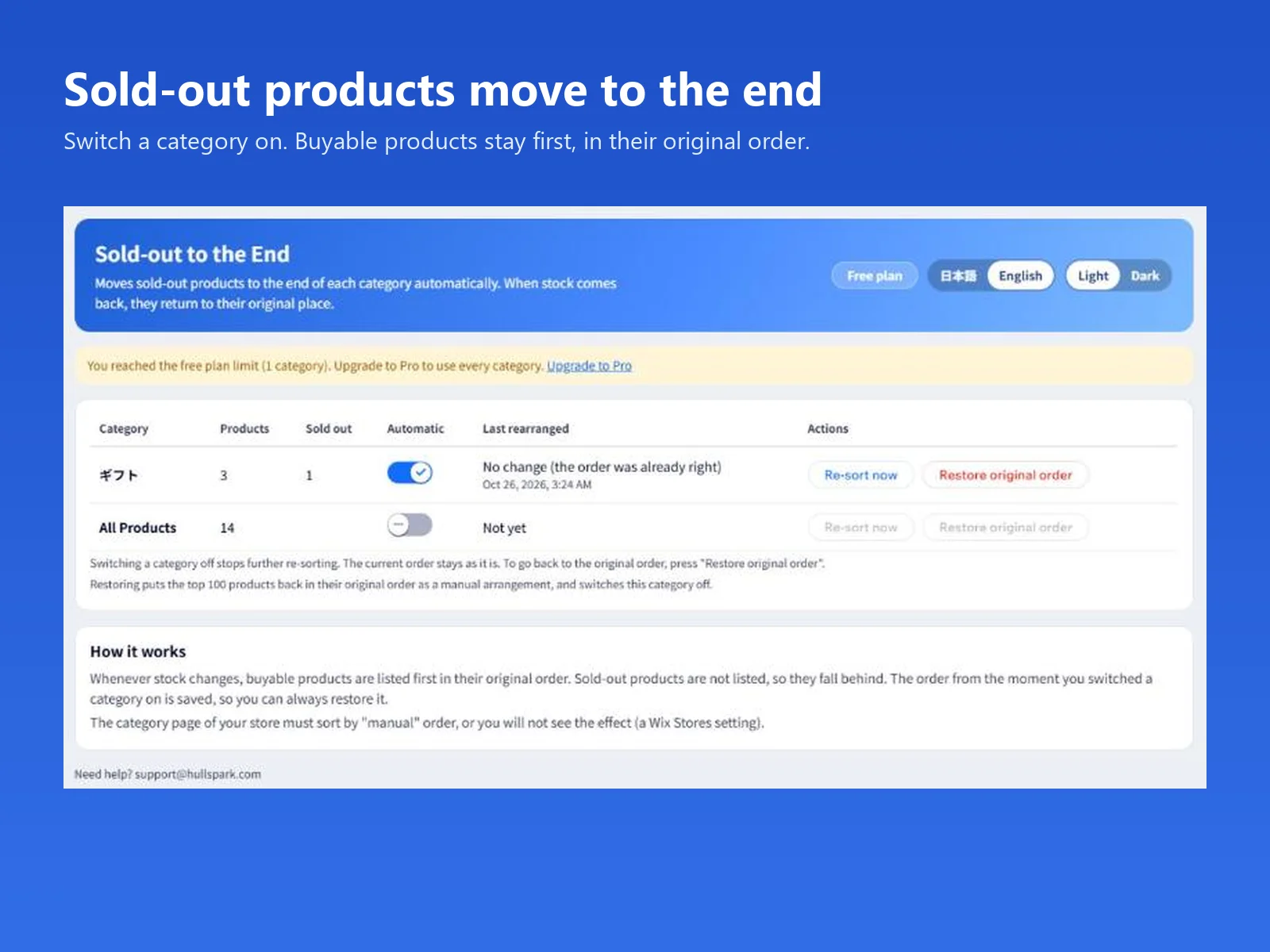
Where it is on screenThe app's page in the Wix dashboard. Each category is a row with a switch, the numbers of products and sold-out products, and the time it was last rearranged.
What it doesSwitch a category on. Products that can be bought stay first in their original order and sold-out products fall to the end. When stock returns, the product goes back to its place. Restore original order brings back the saved order.
What you getA category page where the products people can buy come first. It reads categories and inventory only, and the free plan covers one category.
What you can do
Sold-out products fall to the end, the rest keep their order
Turn a category on and the app watches its stock. Products that can be bought are listed first in the order the category had, and sold-out products are left out of that arrangement so they fall behind. Press Re-sort now to rearrange at once.
The app's page: one category switched on, with the product and sold-out counts.
Back in stock, back in place
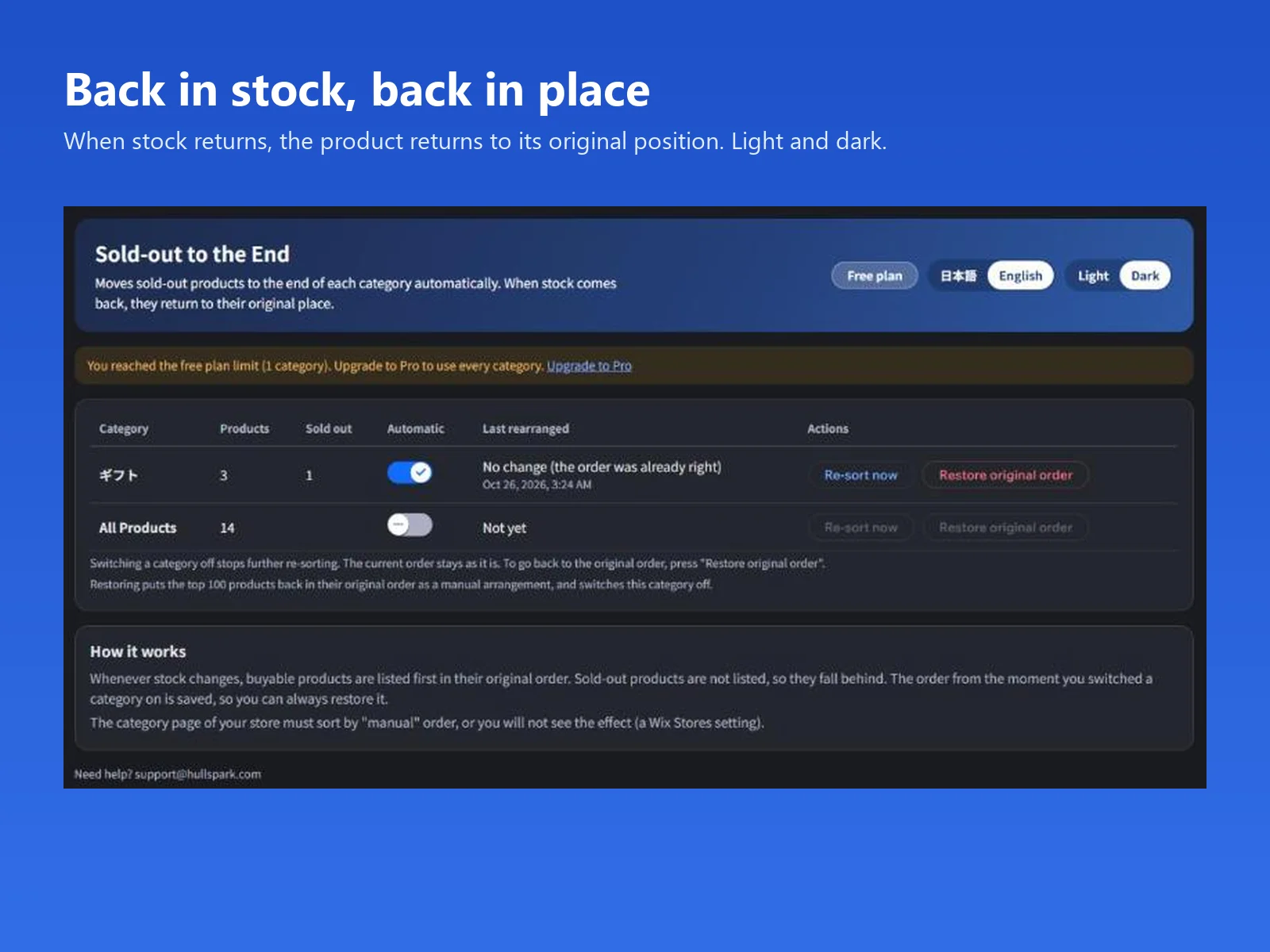
When stock comes back, the product returns to where it was, because the order from the moment you switched the category on is saved. The page comes in light and dark and in Japanese and English.
The dark theme, with the "How it works" text.
Switch off, or restore the original order
Switching a category off stops further changes and leaves the order as it is. Restore original order puts the first 100 products back in the saved order as a manual arrangement and switches the category off.
Good to know
Works with the current Wix Stores catalog (Catalog V3). Stores that still use the older catalog (V1) are not supported; the app shows a message and does not rearrange. On the free plan there is no charge.
The category page of your store has to use the manual sort order, or the change is not shown.
A manual arrangement holds the first 100 products of a category. Buyable products past 100 follow the arranged ones, newest first, mixed with sold-out ones.
A product counts as sold out only when all of its variants and locations are sold out. Pre-order products count as buyable.
Free plan: one category. Pro, $2.99 a month: every category. It reads categories and inventory only, not orders or customer information.
The pictures show the app's own page in a test store with made-up products; there is no before-and-after picture of a category page yet. How much it changes sales was not measured, and no comparison with other apps has been made.
Questions
How do I move sold-out (out of stock) products to the end of a category in Wix Stores?
Install the app, open its page in the dashboard and switch the category on. The app arranges the category so that products that can be bought come first, in their original order, and sold-out products fall to the end. It re-sorts whenever stock changes.
What happens when a product is back in stock?
It returns to its original place. The app saves the order a category had when you switched it on and uses that order as the reference.
Can I go back to the order I had before?
Yes. Press Restore original order for the category. The first 100 products go back in the saved order as a manual arrangement, and the category is switched off.
What happens when I switch a category off?
The app stops re-sorting and the current order stays as it is. To get the original order back, press Restore original order.
I switched a category on but the store page does not change.
The category page of your store has to use the manual sort order, which is a Wix Stores setting. With another sort order the arrangement is not shown.
When does a product count as sold out?
A product counts as sold out when every variant and every location of it is sold out. A product with one variant still in stock stays in front. A product that can be pre-ordered counts as one that can be bought.
Is there a limit on the number of products?
A manual arrangement holds the first 100 products of a category. In a category with more than 100 buyable products, the ones past 100 follow the arranged products, newest first, mixed with the sold-out ones.
Does it work on every Wix store?
It works with the current Wix Stores product catalog (Catalog V3). It is not supported on sites that still use the older catalog (V1). On such a site the app shows a message instead of rearranging anything, and on the free plan there is no charge.
What does it cost?
The free plan covers one category. The Pro plan covers every category and costs $2.99 a month.
What data does it read?
Categories and inventory only. It does not read orders or customer information.
Which languages does it speak?
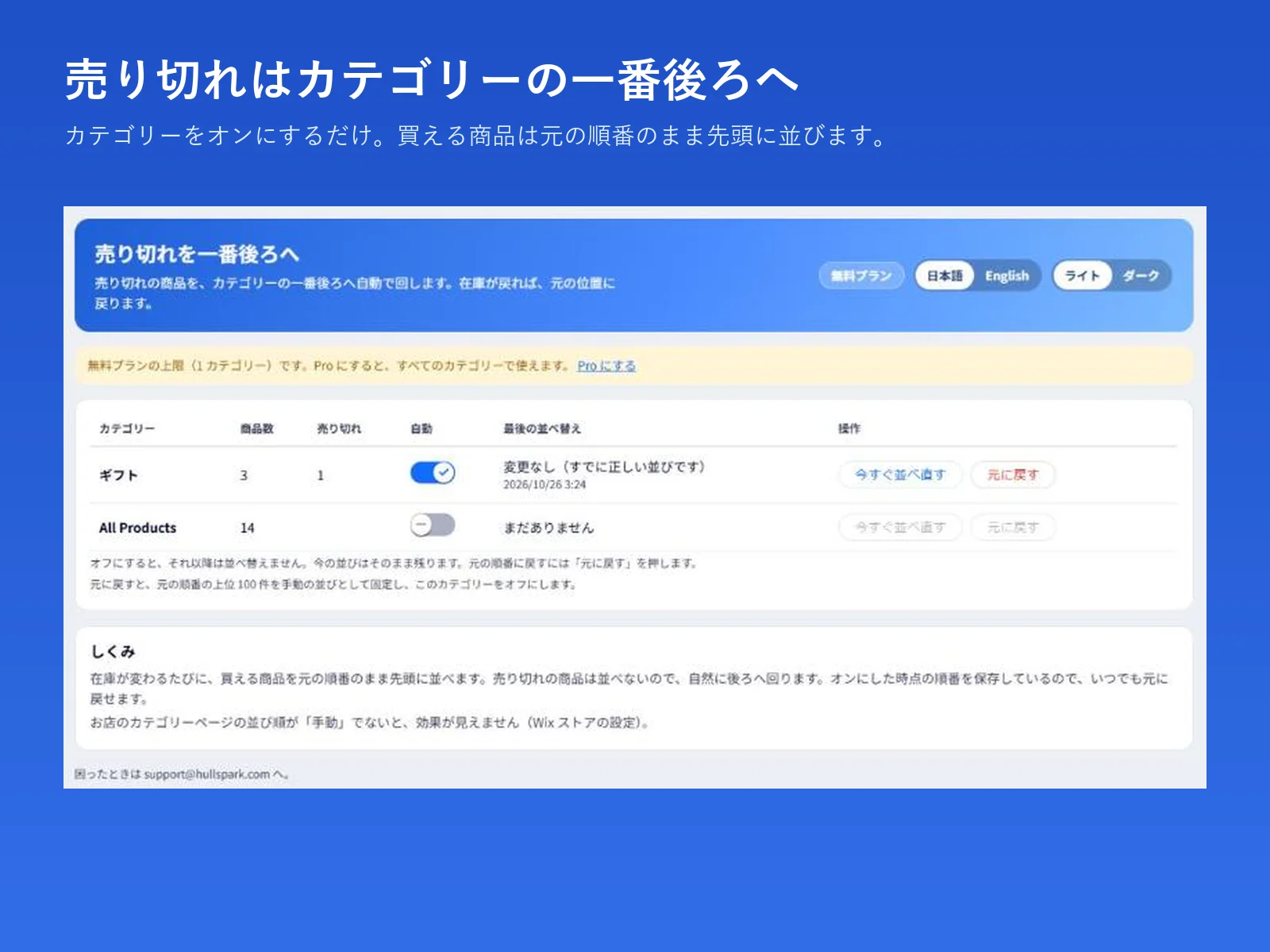
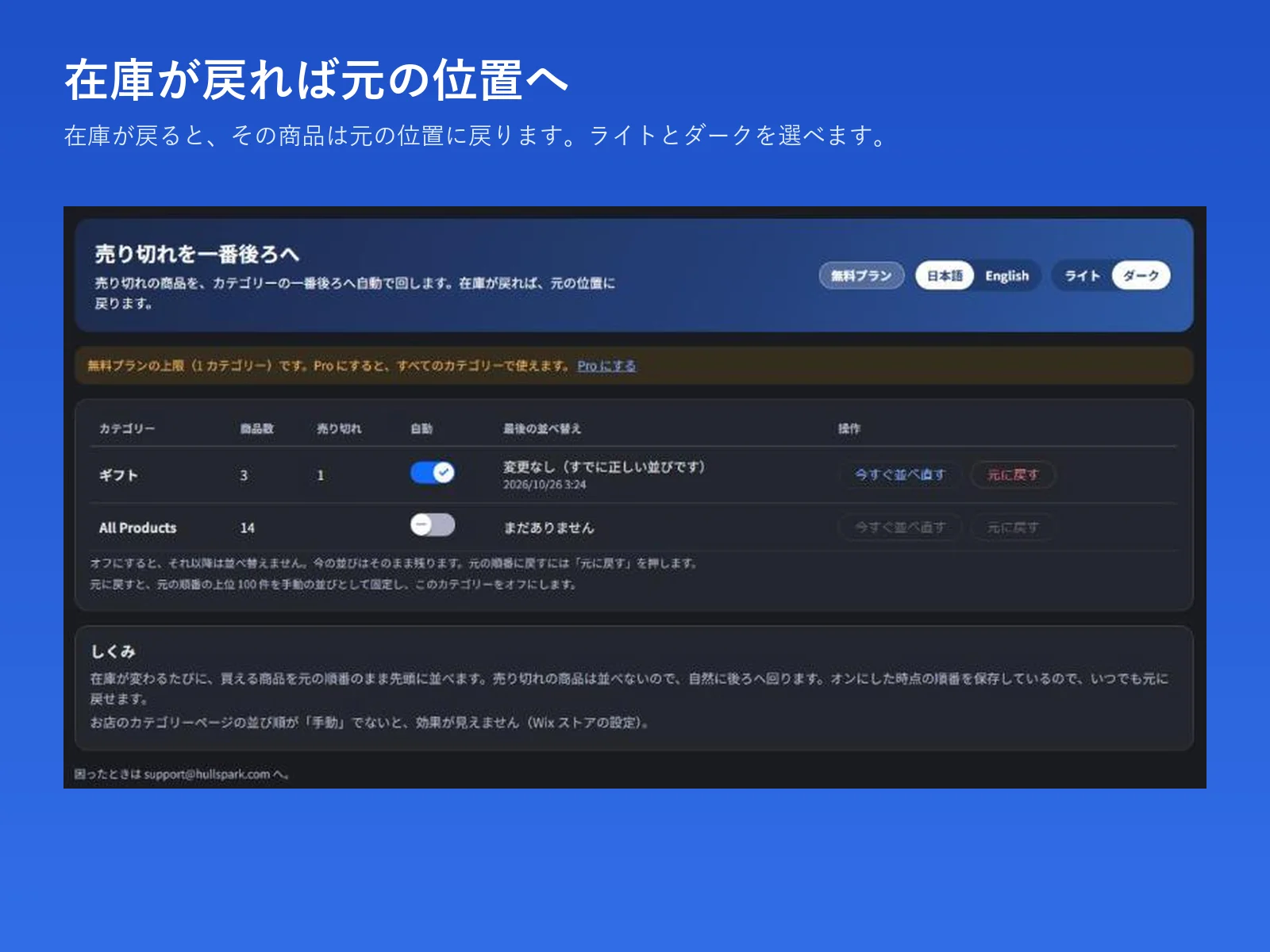
The dashboard page is in Japanese and English, with a light and a dark theme.
 Hullspark